
Best camera for macro photography: choose capture or a finished stack
Choose a supported stacking workflow for still subjects, or an integrated close-up camera when simplicity matters more than larger-sensor output.

Start with the OM System OM-1 Mark II and supported 60mm macro if you want the camera to produce a finished close-up stack. A stack combines photographs focused at different distances so more of the subject appears sharp. The OM produces a cropped JPEG, which is convenient but gives you less editing freedom than merging the original frames yourself.
Choose the Canon EOS R7 for still RF close-ups in daylight or continuous light. It cannot use flash during focus bracketing. For an insect moving on a stem, start with a good single photograph instead of expecting a sequence to work like it would with a mounted specimen.
These recommendations draw on manufacturer instructions and independent reviews. The seven choices include different stacking methods and one integrated small-sensor compact, rather than a sharpness ranking.
We may earn a commission from qualifying purchases through the Amazon.com links. Check the exact model, package contents, condition, seller, delivery and regional warranty. Camera bodies exclude pictured interchangeable lenses and accessories; the TG-7 includes its fixed lens. The lens pairings explain compatibility, not additional affiliate picks.
Compare the seven workflows
| Camera | Choose it for | Lens and stacking decision |
|---|---|---|
| Canon EOS R7 | Static RF daylight close-ups | RF100 macro, 1.4x; no bracket flash |
| OM System OM-1 Mark II | A finished in-camera JPEG | Supported 60mm macro, 3 to 15-frame stack |
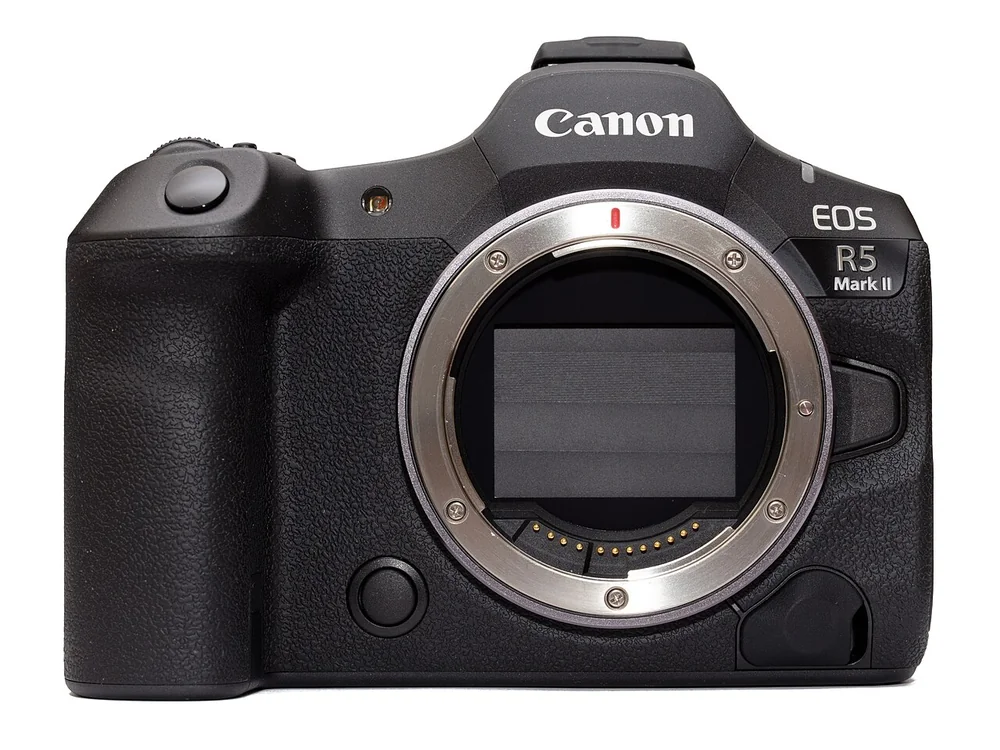
| Canon EOS R5 Mark II | Full-frame RF detail | RF100 macro, optional Depth composite |
| Nikon Z8 | High-resolution files to merge later | Z MC105; external stacking |
| Nikon Zf | An existing Nikon kit | Z MC105 or MC50; external stacking |
| Panasonic Lumix G9II | Micro Four Thirds single frames | OM60 fits natively; exact automation unverified |
| OM System Tough TG-7 | Close-ups without a separate lens | Integrated lens; small 12 MP sensor |
Recommendations and tradeoffs
Canon EOS R7 for static rf daylight
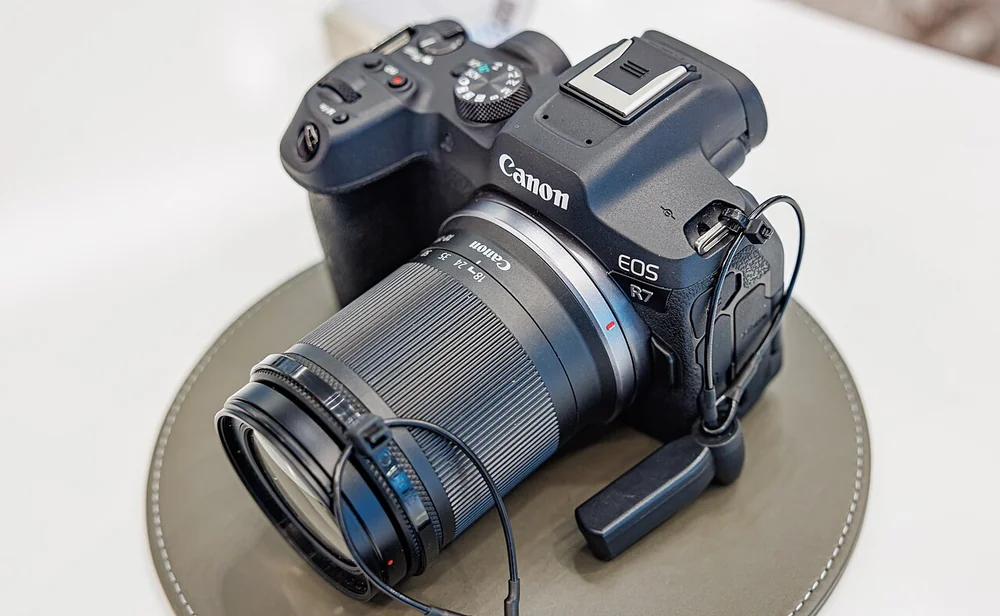

Choose the R7 for a specimen that stays still under daylight or continuous light. Its focus bracket captures separate images, with an optional JPEG or HEIF Depth composite if you want the camera to merge them. The native Canon RF100mm F2.8 L Macro IS USM reaches 1.4x magnification. The APS-C sensor changes framing, not that physical magnification.
The supported lens and choice of source frames or a composite make this a useful close-up kit. Flash is the dealbreaker for some buyers, though. Canon prohibits it during R7 focus bracketing, so rule the body out for an automated flash-stack plan.
PCMag also criticizes electronic-shutter action and the rear controls. Those concerns carry more weight for handheld insects than for a motionless specimen on support. Keep the original frames if you may want to edit the stack again.
OM System OM-1 Mark II for supported jpeg stacking
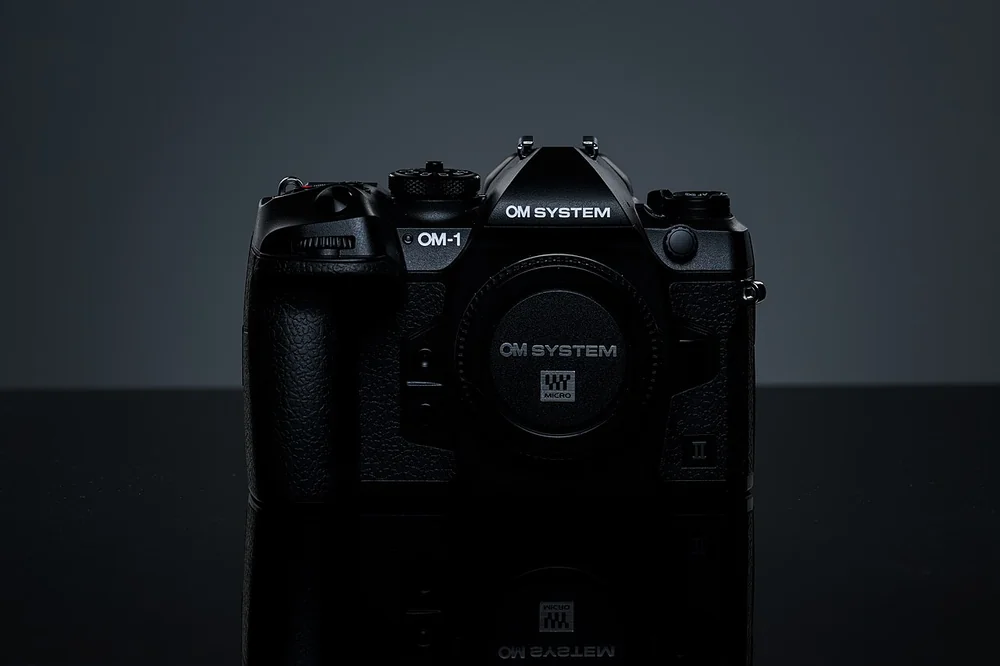

The OM-1 Mark II is the first choice here for a finished JPEG stack with a supported lens. OM System lists the 60mm macro and sequences of 3 to 15 frames. The resulting image has 7% enlargement, so leave space around the subject. Tight edges can disappear in the crop.
That convenience is worth paying for if it saves you an external merge, but subject movement can still spoil the sequence. This pairing is recommended for ambient or continuous light; flash accessories need a separate compatibility check.
PetaPixel found the upgrade from the OM-1 modest and sustained bursts limited by SD-card writing. Existing OM-1 owners should decide whether the changes justify a new body rather than buying on the Mark II name alone.
Canon EOS R5 Mark II for full-frame rf detail
Choose the 45 MP R5 Mark II when close-up files need to serve larger output and you want to stay with full-frame RF. It offers an optional Depth composite while retaining the source images. The supported RF100 macro still reaches 1.4x, just as on the R7, but the sensor covers a different area.
Resolution and the finished-composite option are the reasons to choose it. Plan a static subject, tripod and autofocus sequence, then check for flicker and misaligned edges. The composite is not RAW. Flash support also needs a body-specific check; the R7 prohibition does not automatically apply to the R5 Mark II, and no flash pairing is recommended here.
Amateur Photographer notes LP-E6P battery requirements for performance, rejected third-party batteries and extra power use from the viewfinder. Include suitable batteries in the kit cost.
Nikon Z8 for high-resolution external stack
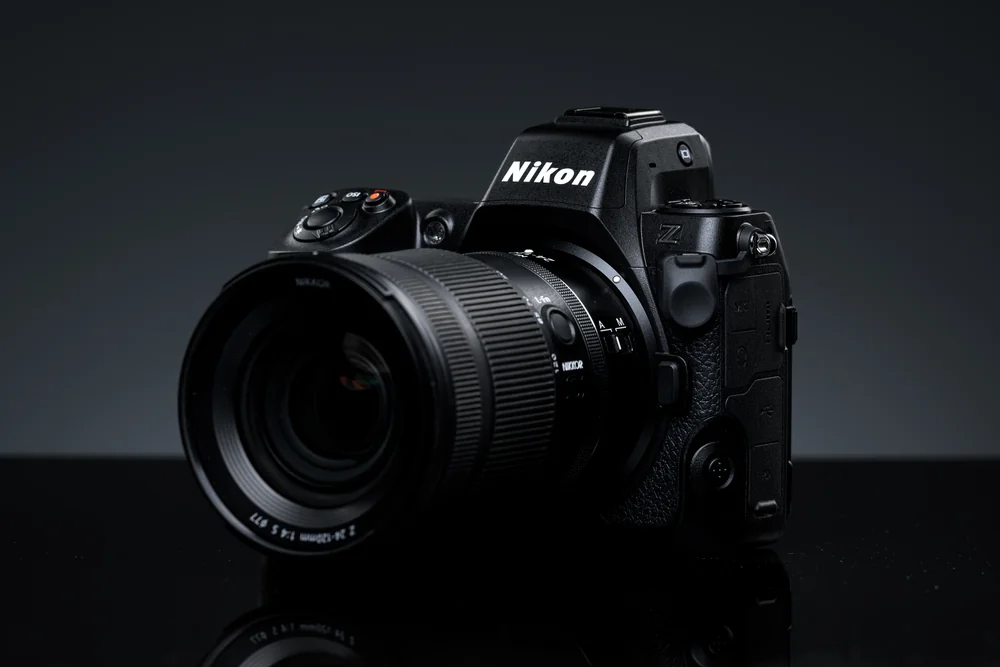

The Z8 suits Nikon buyers who want 45.7 MP files and are happy to merge the stack later. Nikon’s focus-shift mode captures up to 300 frames with AF-S or AF-C and a stationary camera. The native NIKKOR Z MC 105mm f/2.8 VR S reaches 1:1, or life-size reproduction at the sensor.
You gain resolution and a long capture sequence, but you still need time and software for the finished stack. DPReview describes the body as large and heavy, so account for the support as well as the camera. Start focus slightly nearer than the closest detail, as Nikon instructs, and inspect the merged edges before discarding any source frames.
Nikon Zf for existing nikon system
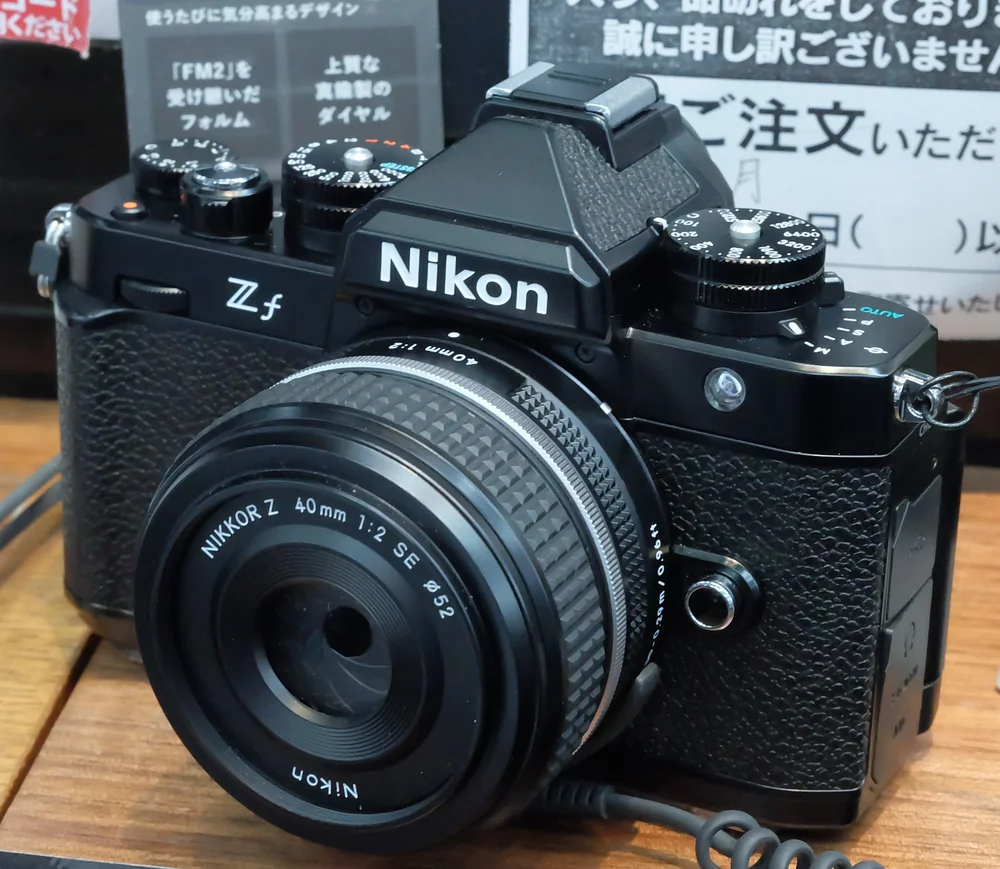

Keep the Zf on your shortlist if you own Nikon lenses and do not need the Z8’s resolution-first body. It captures up to 300 focus-shift frames for later stacking. The native NIKKOR Z MC 105mm f/2.8 VR S and MC 50mm f/2.8 both reach 1:1. Choose between them for framing and lighting clearance rather than a guessed working distance.
The lens choices and capture sequence are useful, but handling is the compromise. Amateur Photographer found one-handed use uncomfortable and the d-pad less precise than a joystick. A tripod helps with handling; it does not merge the frames. Buy the Zf because it fits your existing system, not because it is the most comfortable close-up body.
Panasonic Lumix G9II for mft single-frame route
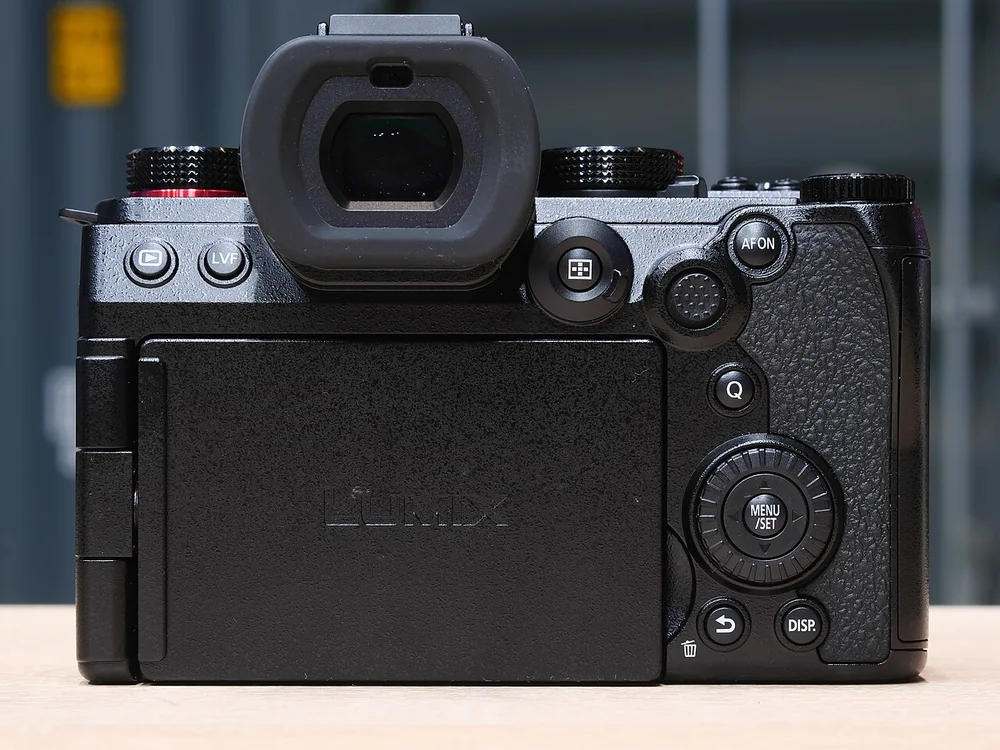

The G9II is worth considering for Micro Four Thirds owners taking single-frame close-ups. Panasonic lists focus bracketing, and the Olympus M.Zuiko Digital ED 60mm F2.8 Macro fits natively and reaches 1:1. However, this exact cross-brand bracket sequence, coordinated stabilization and maximum autofocus performance remain unverified. Check the automation before buying for an external stack; no in-camera stack is recommended with this pairing.
Photography Life notes that the 60mm has no optical stabilization. PCMag observed initial focus hesitation with an OM 300mm telephoto, but that finding does not tell you how the 60mm macro performs. The useful choice here is a native single-frame kit, with automated capture left as a compatibility question to resolve.
OM System Tough TG-7 for integrated close-ups
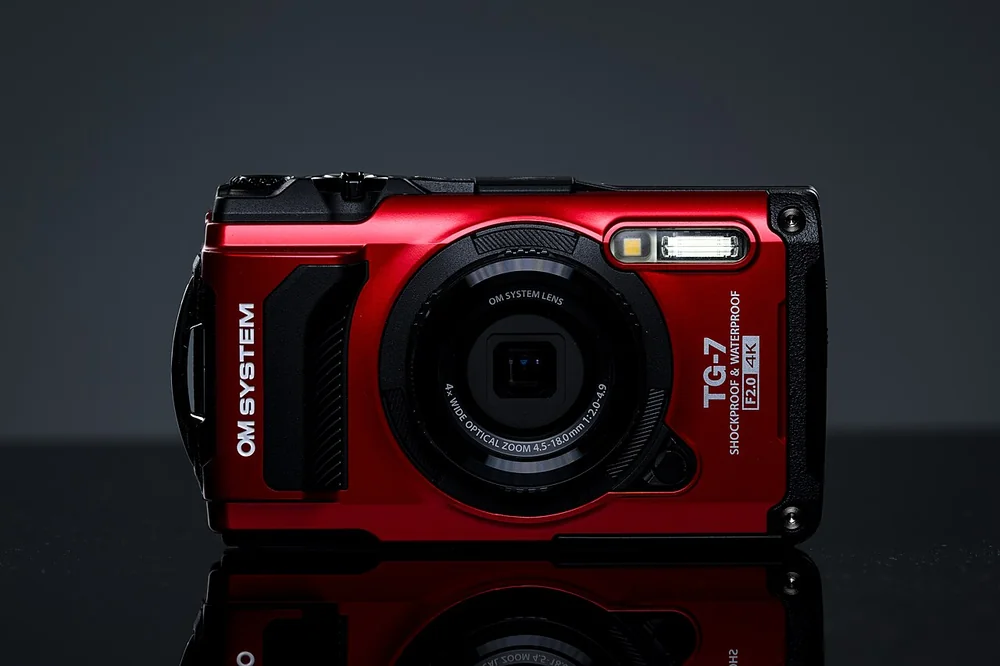

Choose the Tough TG-7 if you want close-up functions without buying a separate lens. It has microscope and super-macro modes, 10, 20 or 30-shot focus brackets and a separate stacking option. OM’s 1cm focusing-distance figure is not a measured gap from the front of the lens to the subject.
The integrated design is convenient, but stacking narrows the view and the small 12 MP sensor limits output. Tom’s Guide notes detail and low-light weaknesses. Treat it as an accessible close-up camera rather than a substitute for larger-sensor macro or 1:1 full-frame reproduction. Diffusers, LED accessories and flash sequences need separate checks; display accessories in the photographs are not included.
Buying criteria
Decide whether the subject will wait
Use a stack when the subject will wait. Canon recommends static subjects and a tripod and warns about flicker and alignment. More frames will not automatically repair a moving insect. Begin with a usable single frame, then inspect outlines, fine hairs and background transitions if you try a composite.
Buy the lens route before the body headline
The interchangeable-lens options here use native lenses documented at 1:1 or greater. That figure describes physical magnification at the sensor. It is not a claim that an APS-C camera increases lens magnification. Keep minimum focusing distance separate from space in front of the lens for light or a live subject. Our beginner camera guide helps with system and control decisions if this is your first interchangeable camera.
Separate capture from a finished stack
A focus bracket captures frames at different focus positions; a stack combines them. Nikon’s focus-shift files need that later merge. Canon and OM offer the specific composites described above. Decide whether a camera-generated JPEG suits your work or whether you want source frames for an external edit. The latter needs time for selection and merging as well as capture.
Keep lighting claims body-specific
Check the instructions for the body you will use. The R7 prohibits bracket flash; the R5 Mark II has different instructions and needs its own accessory check. Likewise, the G9II’s native lens fit does not settle cross-brand automation. Our landscape camera guide covers resolution and static scenes, but a macro purchase starts with usable light and a sequence that your exact kit can capture.
Frequently asked questions
Is focus bracketing the same as in-camera stacking?
No. Bracketing captures separate focus positions; stacking merges them. Nikon needs a later merge. The Canon and OM composite options have their own output and alignment limits.
Can the R7 fire flash during focus brackets?
No. Canon prohibits flash during R7 focus bracketing. Use daylight or continuous illumination for this sequence.
Is the TG-7 equivalent to a larger-sensor macro system?
No. Its small 12 MP sensor brings the detail and low-light limits noted by Tom’s Guide. Choose it for integrated convenience, not larger-sensor or full-frame-equivalent macro output.
Will an OM60 macro automatically stack on G9II?
That exact pairing’s automation remains unverified. Panasonic lists focus bracketing, but a lens fitting the mount is not enough. Use single frames or confirm the capture sequence before planning an external merge.
Recommendation and method
Choose the OM-1 Mark II for a supported in-camera JPEG stack, or the R7 for static RF work without bracket flash. Nikon’s options suit buyers willing to merge files later. The G9II pairing needs an automation check; the TG-7 trades larger-sensor output for an integrated lens.
Manufacturers supply the functions and lens-fit information; exact-model reviews supply the attributed drawbacks. Those sources do not form a controlled comparison of autofocus, image quality or stack success. Check prices, stock and regional warranty when buying. Local photographs carry their source and license credits beside them.
Sources and specifications
- Canon EOS R7: focus-bracketing manual, PCMag review.
- OM System OM-1 Mark II: specifications, stacking manual, PetaPixel review.
- Canon EOS R5 Mark II: specifications, focus-bracketing manual, Amateur Photographer review.
- Nikon Z8: focus-shift manual, specifications, DPReview review.
- Nikon Zf: focus-shift manual, Amateur Photographer review.
- Panasonic Lumix G9II: specifications, PCMag review.
- OM System Tough TG-7: product specifications, Tom’s Guide review.
- Native lenses: Canon RF100mm specifications, Nikon Z MC 105mm, Nikon Z MC 50mm, OM 60mm product page, Photography Life 60mm review.
Related guides
Best camera for real estate photography: wide rooms and repeatable delivery
Seven source-backed real estate photography camera recommendations with native pairing context, workflow limits and independent drawbacks.
Best camera for beginners: seven choices for learning photography
Compare seven beginner camera candidates by viewfinder, stabilization, learning controls and lens-system commitments, with clear drawbacks and research sources.
Best camera for landscape photography: detail without the wrong kit
Seven research-based landscape camera picks, comparing single-shot detail, lens-system choices and field workflow without unsupported dynamic-range rankings.