
Best camera for real estate photography: wide rooms and repeatable delivery
Start with the Sony a7 IV or an existing native wide-lens system. Room coverage and exposure delivery matter more than burst speed.
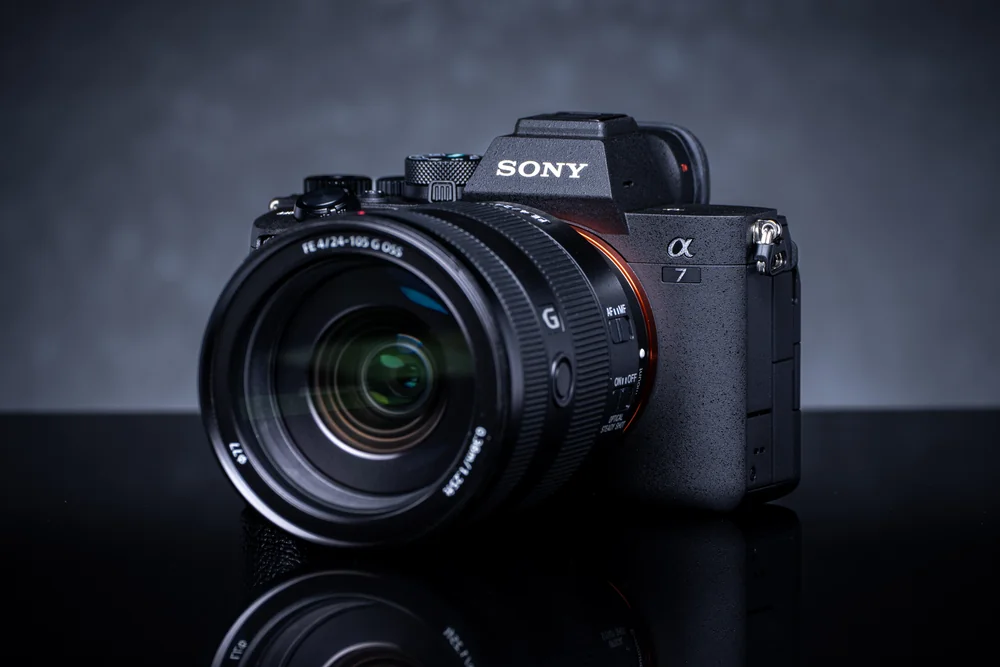

Start with the Sony a7 IV for room photographs made with available light. Its 33 MP full-frame sensor, exposure bracketing and computer remote capture make a useful starting point with a native wide lens. Bracketing takes a sequence at different exposures, so you can capture the room and bright windows for later selection or merging.
Keep the Canon EOS R6 Mark II in mind if you already own suitable RF wide lenses. Choose the a7R V when the finished images need its extra resolution. Lens width and reliable delivery are better reasons to buy than burst speed. Tom’s Guide’s a7 IV concerns about action and cropped video matter more if you also photograph movement or make walkthroughs.
These recommendations draw on manufacturer instructions and independent reviews. The lens pairings explain native compatibility; they are not included kits or extra affiliate picks.
We may earn a commission from qualifying purchases through the Amazon.com links. These are body-only recommendations, excluding pictured lenses and accessories. Check the exact model, contents, condition, seller, delivery and regional warranty before ordering.
Compare the seven workflows
| Camera | Choose it for | Wide lens and computer capture |
|---|---|---|
| Sony a7 IV | Available-light brackets | FE PZ16-35, 16mm full frame; Imaging Edge Remote |
| Sony a7R V | High-detail delivery | FE16-35 GM II, 16mm full frame; Imaging Edge Remote |
| Canon EOS R6 Mark II | A full-frame RF kit | RF14-35, 14mm full frame; EOS Utility |
| Canon EOS R5 Mark II | More detail in RF | RF14-35, 14mm full frame; EOS Utility |
| Nikon Zf | Existing Nikon wide lenses | Z14-30, 14mm full frame; NX Tether control/save |
| Canon EOS R50 | A compact APS-C tripod kit | RF-S10-18, about 16mm equivalent; EOS Utility |
| Fujifilm X-T5 | An existing Fujifilm X kit | XF10-24 WR, 15 to 36mm equivalent; tethering |
Recommendations and tradeoffs
Sony a7 IV for ambient-bracket starting point
The a7 IV is the starting recommendation for available-light interiors. It captures continuous exposure brackets and can shoot and save to a computer through Imaging Edge Desktop Remote. The native Sony FE PZ 16-35mm F4 G SELP1635G gives a 16mm wide end on full frame, without the narrower view an APS-C sensor would record.
Set it up carefully. In manual exposure, fixed ISO makes the bracket vary shutter speed; Auto ISO makes it vary ISO instead. Some options depend on firmware, and not every bracket control is necessarily available remotely. Confirm your installed version and software controls before an assignment.
Tom’s Guide criticizes action drive speed and cropped 4K at 60 fps. Those matter for mixed work, but are less pressing for a still room on a tripod.
Sony a7R V for premium detail
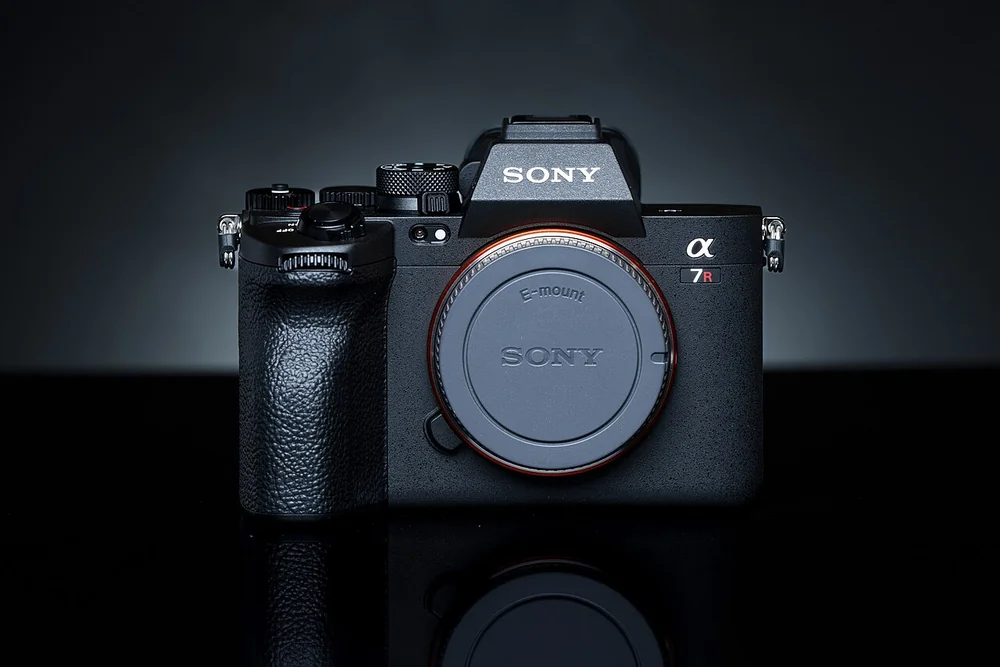

Choose the a7R V when your finished interiors need its 61 MP files. Exposure brackets and Remote Shoot provide capture and computer saving. The native Sony FE 16-35mm F2.8 GM II SEL1635GM2 gives 16mm full-frame coverage; a Sony-E Sigma 14-24mm is another native pairing to consider.
Extra detail is the benefit, but it does not fix mixed lighting. Amateur Photographer found occasional auto-white-balance casts, so plan to adjust color in RAW files rather than rely on identical JPEG color from room to room. RAW retains more editing choices. You still need to select or merge the exposures yourself. This is a resolution choice, not a measured dynamic-range winner.
Canon EOS R6 Mark II for full-frame rf starting point
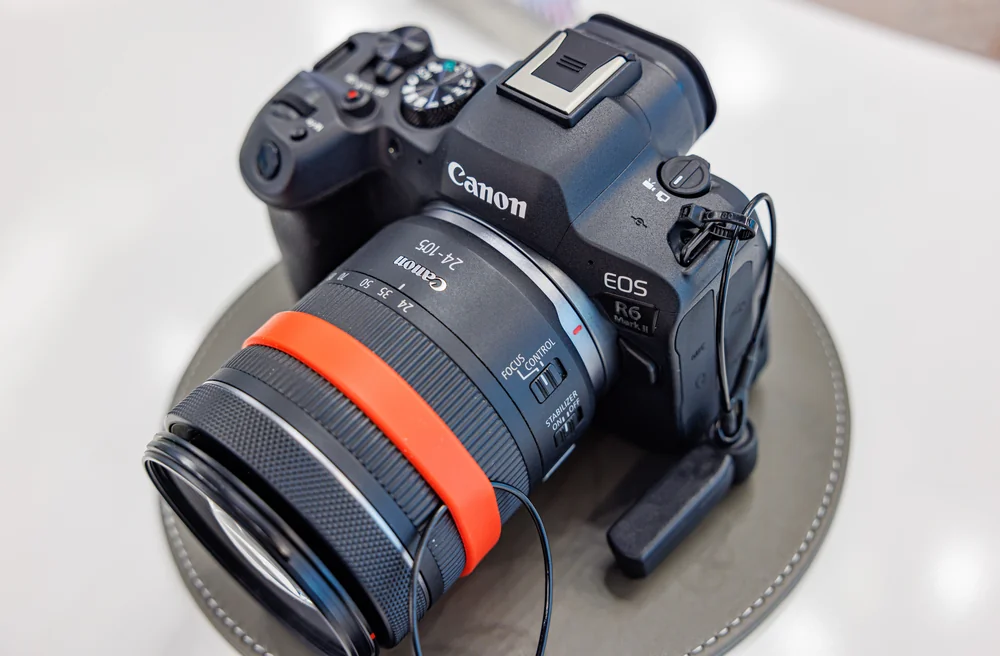

The R6 Mark II is the sensible full-frame RF starting point if you do not need the R5 Mark II’s resolution. It has automatic exposure bracketing, or AEB, and EOS Utility Remote Capture. The native Canon RF14-35mm F4 L IS USM gives a 14mm wide end on full frame. Canon warns that communication conditions can slow remote shooting.
Allow for lens correction in the editor. Cameralabs describes substantial software processing for RF14-35 images, so judge the corrected RAW delivery rather than an uncorrected preview. The useful kit here is for available-light brackets; flash-and-ambient blending needs separate compatibility checks.
DPReview notes limits in high-speed electronic RAW shooting and video heat performance. Neither finding rules it out for ordinary tripod room stills.
Canon EOS R5 Mark II for high-detail rf
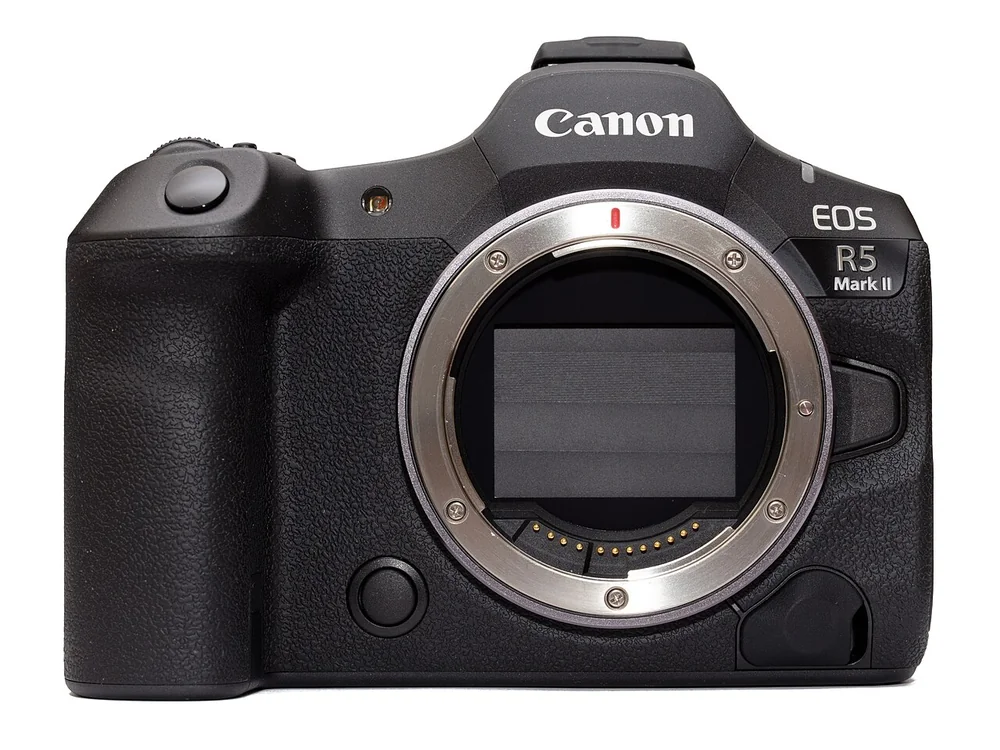

Buy the R5 Mark II for interior commissions that need more detail in an RF kit. It supports AEB and EOS Utility computer control, with possible network delays. A native RF14-35 starts at 14mm on full frame; the RF15-35 starts at 15mm. Both are separate lens purchases.
Resolution and remote capture are useful, but you may pay for action capability that does little in a static room. Amateur Photographer also notes battery compatibility restrictions and the bright viewfinder’s power cost. Keep the RF14-35 correction process described by Cameralabs, and budget suitable power. A more advanced body still needs leveling, lens correction and exposure selection.
Nikon Zf for existing nikon wide kit
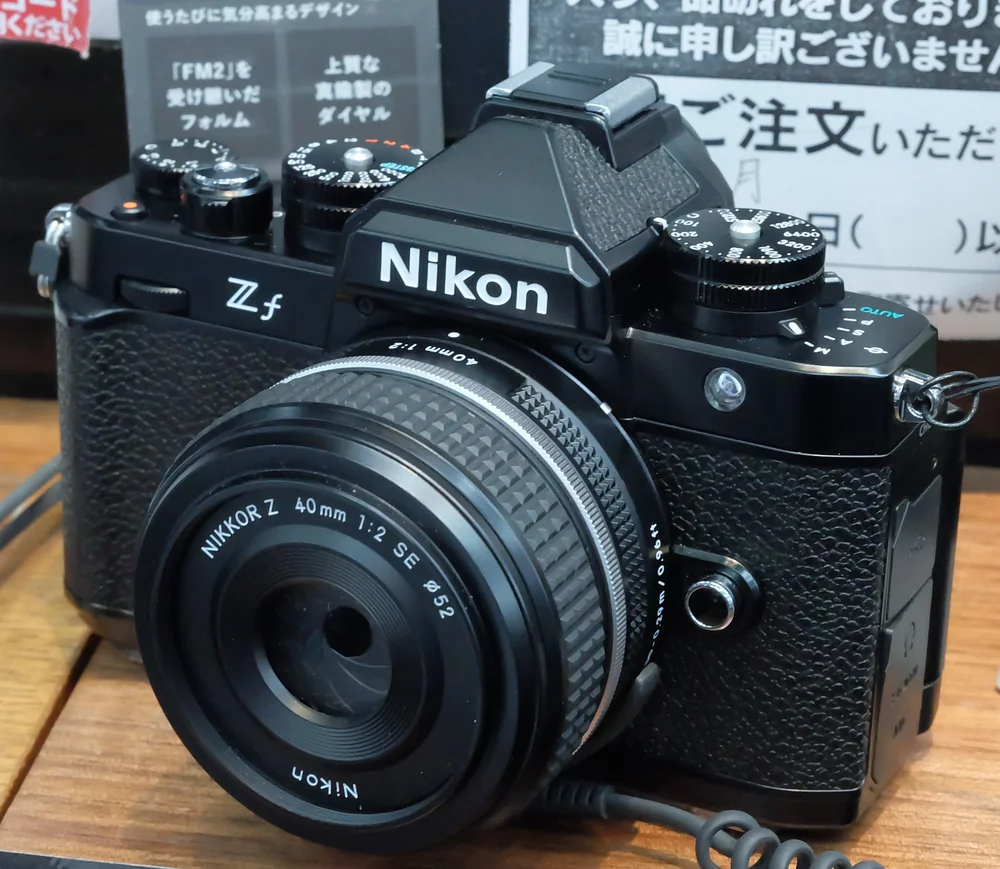

The Zf is most persuasive if suitable Nikon Z lenses are already part of your kit. It offers AE bracketing and NX Tether computer control with direct saving, not just file transfer. The native NIKKOR Z 14-30mm f/4 S gives a 14mm wide end on full frame.
Handling is the compromise. Amateur Photographer found the shallow grip uncomfortable and the d-pad slower than a joystick. A tripod makes those drawbacks easier to accept, but you still use the controls during setup. Check your intended computer configuration too. Nikon’s wireless Camera control instructions do not settle live view, a minimum software version or access to every remote bracket setting.
Canon EOS R50 for compact aps-c tripod
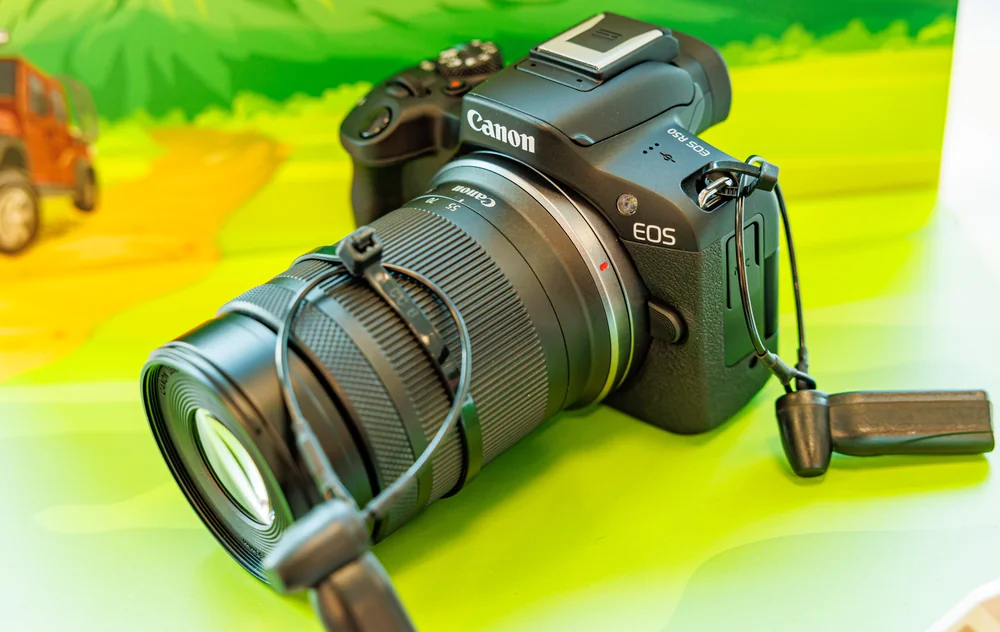

Choose the R50 for a compact tripod kit with a genuinely wide native lens. It lists AEB up to ±3 EV, meaning exposures can vary by up to three stops either way, and Remote Capture through EOS Utility 3.16.10 or later. The RF-S 10-18mm F4.5-6.3 IS STM at 10mm gives roughly 16mm-equivalent framing on Canon’s 1.6x APS-C sensor.
That width is the reason to consider the pairing. The smaller sensor records a narrower view than full frame, so a full-frame 14mm lens would not frame the same way. The R50 also lacks body stabilization and has the small controls discussed by Amateur Photographer. Use support and check current Utility operating-system requirements before relying on a laptop. Digital Camera World’s separate lens review offers useful context, not a measured corner-quality comparison of these complete kits.
Fujifilm X-T5 for existing fujifilm x kit
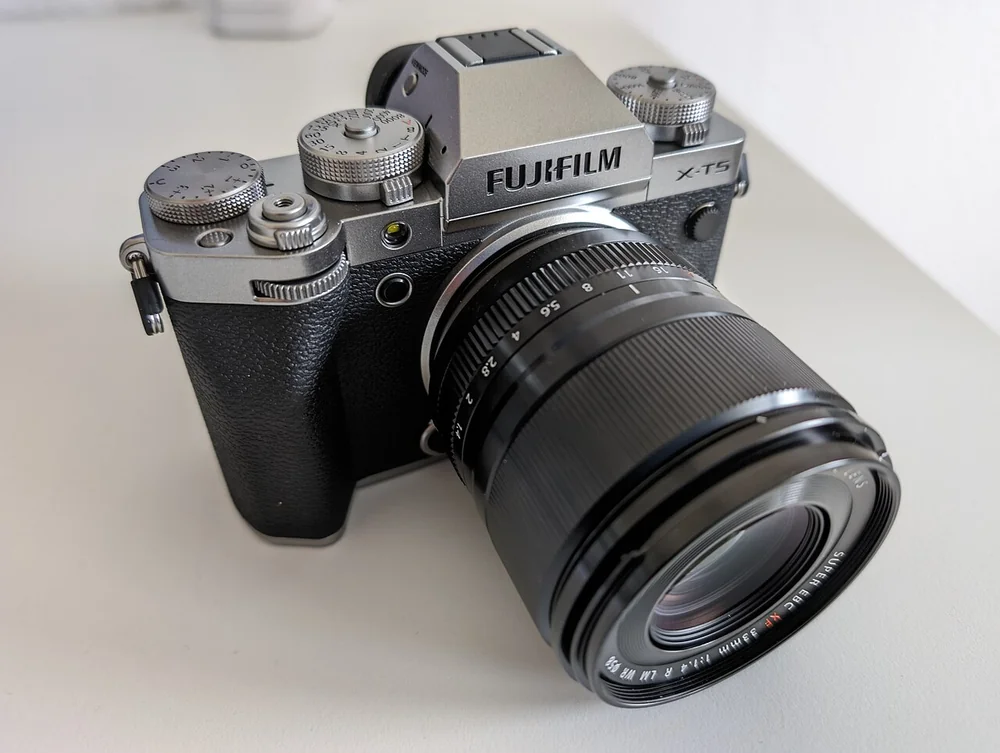

The X-T5 suits Fujifilm X owners who want AE brackets and USB or wireless tethering, meaning camera operation linked to a computer. The native XF10-24mmF4 R OIS WR gives 15 to 36mm-equivalent coverage. This pairing is specifically the WR version, not the original non-WR lens, and the focal range alone does not rank its optical quality.
Pay attention to the tether mode. Disconnected USB FIXED mode records no pictures; AUTO resumes recording to the card. Confirm which bracket settings your chosen application exposes before using it on a job. The lens is not supplied with the body.
DPReview found tracking behind competitors and video crop or rolling-shutter compromises. Those are mixed-use concerns, rather than evidence of poor static-room stills.
Buying criteria
Check the actual room view
Write down the lens and sensor format before comparing bodies. A full-frame 14mm lens records a narrower view on APS-C. The R50 with RF-S10-18 starts at about 16mm-equivalent coverage, while Fujifilm’s WR zoom covers 15 to 36mm equivalent. These figures describe framing, not optical quality. Decide how much room you need in the picture before paying for more resolution.
Plan corrected geometry and consistent color
Level the tripod and inspect verticals. Extra megapixels will not straighten the room. Leave room for corrections and check the editor’s lens support, especially for the RF14-35 processing described by Cameralabs. Judge the corrected composition rather than an uncorrected RAW preview. Our landscape camera guide covers resolution; interior work also needs consistent width, geometry and client delivery.
Keep exposure brackets separate from HDR delivery
Select exposure brackets rather than white-balance or focus brackets. Decide which room and window exposures you need, then inspect the sequence. On the a7 IV in manual exposure, fixed ISO varies shutter speed while Auto ISO varies ISO. Capturing those frames does not merge an HDR image, which combines exposures to represent a wider brightness range. Plan the merge and color edit separately. Flash-and-ambient blending also needs its own setup checks.
Prove the computer workflow before an assignment
Try the complete computer setup before an assignment. Remote capture is more useful than simple file transfer, but software, firmware and connection requirements still apply. Check the Zf’s live-view and bracket controls in your intended configuration, and remember Fujifilm’s FIXED disconnect behavior. Our beginner camera guide helps with controls and first-system choices. Avoid changing mounts just to gain a remote feature you have not configured.
Frequently asked questions
Do I need the highest-resolution camera?
Only if the output needs it. Decide room width, corrected framing and delivery first. The a7R V is the resolution-focused option, not a claim of superior dynamic range or universally better interior pictures.
Does exposure bracketing produce finished HDR?
No. Sony’s exposure bracket captures separate frames. You still select or merge them. Remote bracket controls and flash blending need their own checks.
Is a full-frame 14mm lens still ultra-wide on R50?
Its framing is narrower on R50. The proposed native RF-S10-18 starts at about 16mm-equivalent coverage on Canon APS-C. The equivalent figure describes angle of view, not a changed physical focal length.
Does Zf support remote computer shooting?
Yes. Nikon describes NX Tether control and direct computer saving. Confirm live view, software version requirements and the remote bracket controls in the connection you intend to use.
Recommendation and method
Start with the a7 IV and a suitable native wide lens, or keep an existing system that meets the room-width and delivery requirements. Spend on the a7R V or R5 Mark II when the output needs more detail. Test the brackets, corrections and computer saving before a client assignment.
Manufacturers supply the functions and lens-fit information; exact-model reviews supply the attributed drawbacks. Lens specifications describe fit and framing, not measured performance of every combination. This is not a controlled autofocus, image-quality or stacking comparison. Check price, availability and regional warranty when buying. Local photographs retain their adjacent source and license credits.
Sources and specifications
- Sony a7 IV: bracketing instructions, computer remote capture, Tom’s Guide review.
- Sony a7R V: specifications, bracketing instructions, Remote Shoot, Amateur Photographer review.
- Canon EOS R6 Mark II: specifications, network manual, DPReview review.
- Canon EOS R5 Mark II: specifications, remote operation, Amateur Photographer review.
- Nikon Zf: AE bracketing, NX Tether control and saving, Amateur Photographer review.
- Canon EOS R50: specifications, Amateur Photographer review.
- Fujifilm X-T5: AE brackets, tether modes, DPReview review.
- Sony native lenses: FE PZ 16-35mm F4 G, FE 16-35mm F2.8 GM II.
- Canon native lenses: RF14-35 specifications, Cameralabs RF14-35 review, RF-S10-18 specifications, Digital Camera World RF-S10-18 review.
- Other native lenses: Nikon Z 14-30mm f/4 S, Fujifilm XF10-24mmF4 R OIS WR specifications.
Related guides
Best camera for macro photography: choose capture or a finished stack
Seven source-backed macro photography camera recommendations with native pairing context, workflow limits and independent drawbacks.
Best camera for beginners: seven choices for learning photography
Compare seven beginner camera candidates by viewfinder, stabilization, learning controls and lens-system commitments, with clear drawbacks and research sources.
Best camera for landscape photography: detail without the wrong kit
Seven research-based landscape camera picks, comparing single-shot detail, lens-system choices and field workflow without unsupported dynamic-range rankings.